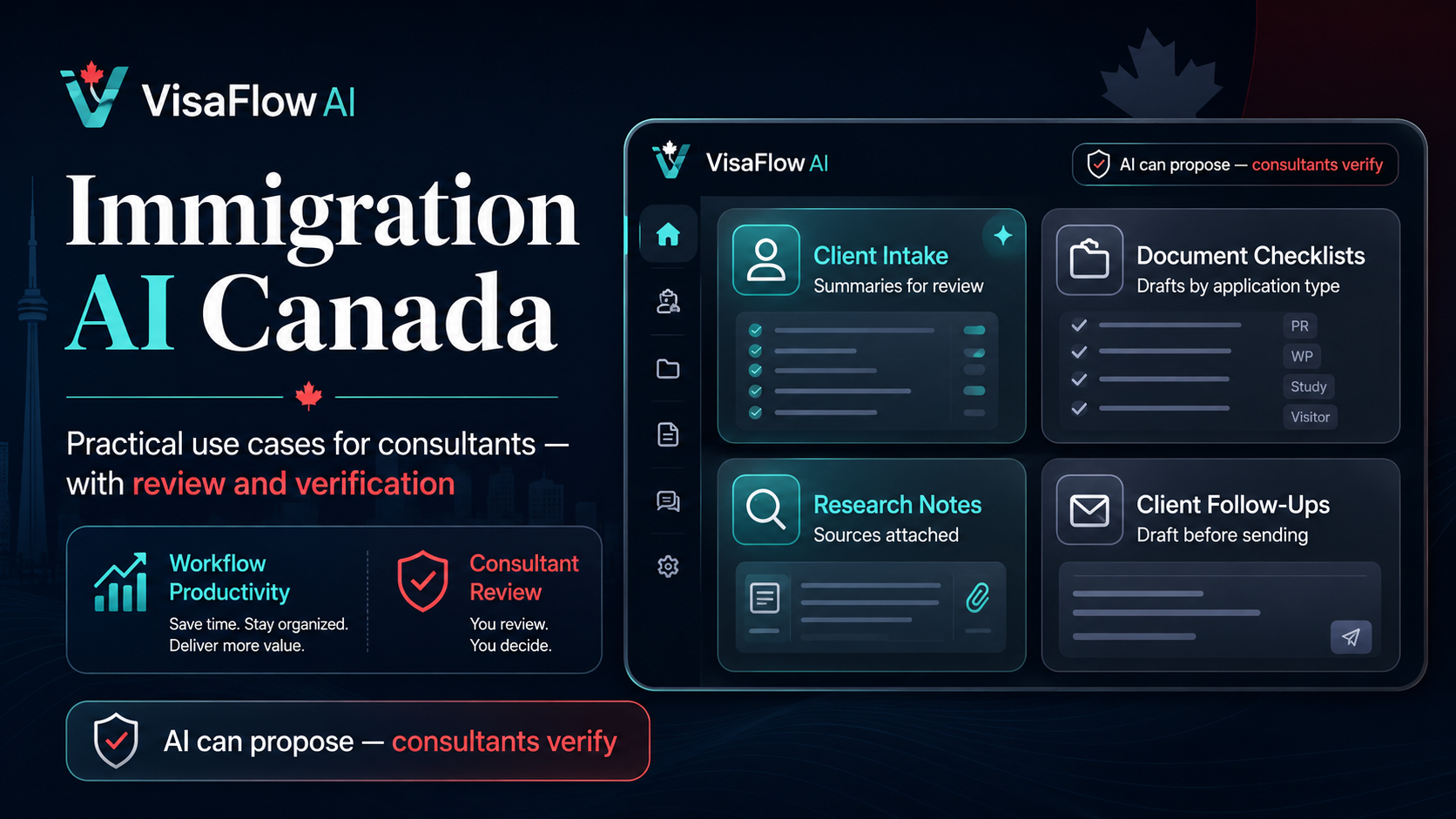
What “Immigration AI” Really Means in a Canadian Consulting Practice
When people search for immigration AI Canada, they’re usually not asking for a robot consultant. They’re looking for ways to speed up the parts of the job that are repetitive: collecting client facts, organizing documents, preparing checklists, drafting follow-ups, and summarizing research. The safest, most valuable use of AI is as a drafting and organization layer that makes it easier for a consultant to review and finalize work—not a replacement for professional judgment.
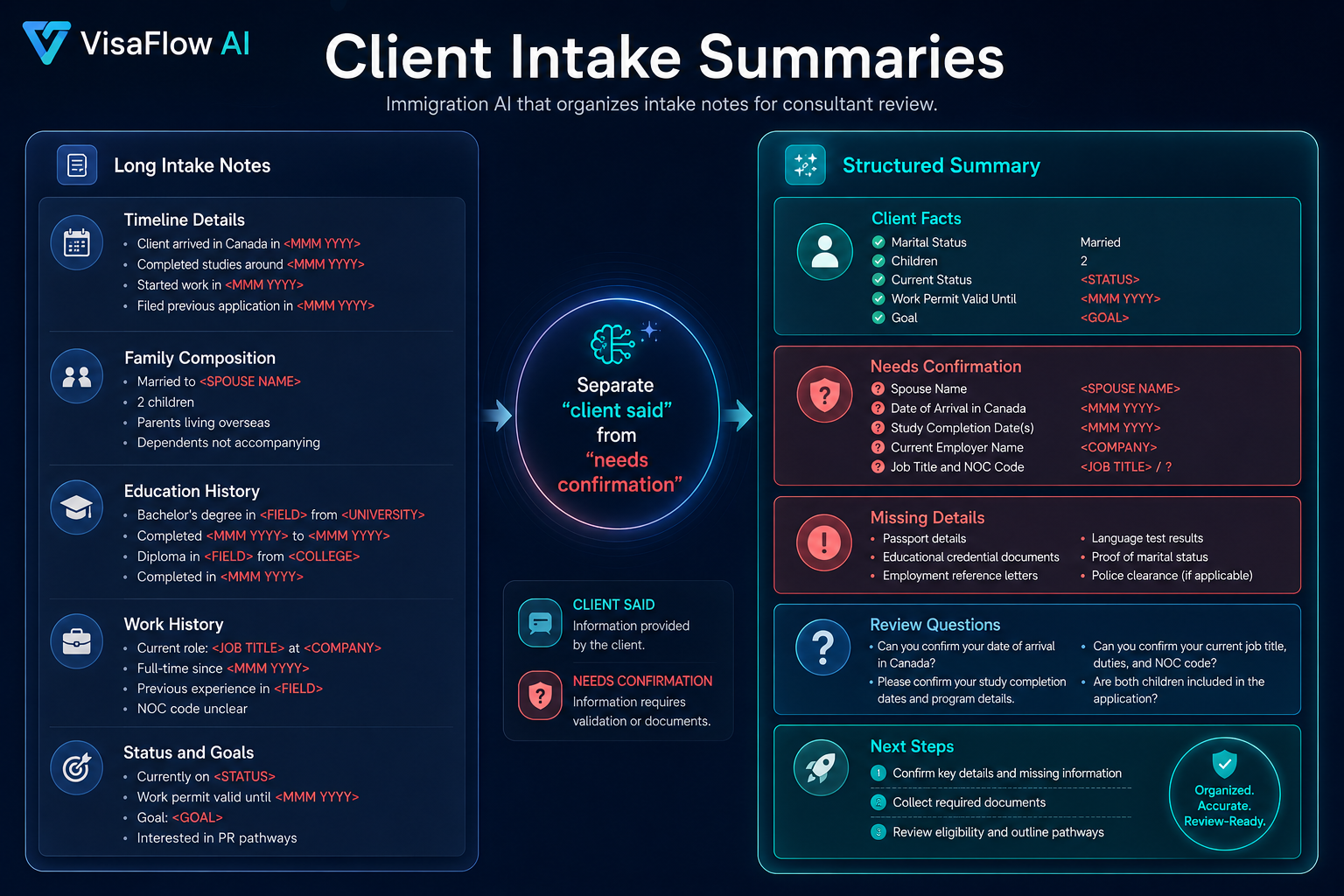
A practical way to think about AI in immigration workflows is: AI can propose, but the consultant must verify. Your workflow should make verification fast: link to the source, record what was checked, and keep drafts clearly labeled until reviewed.
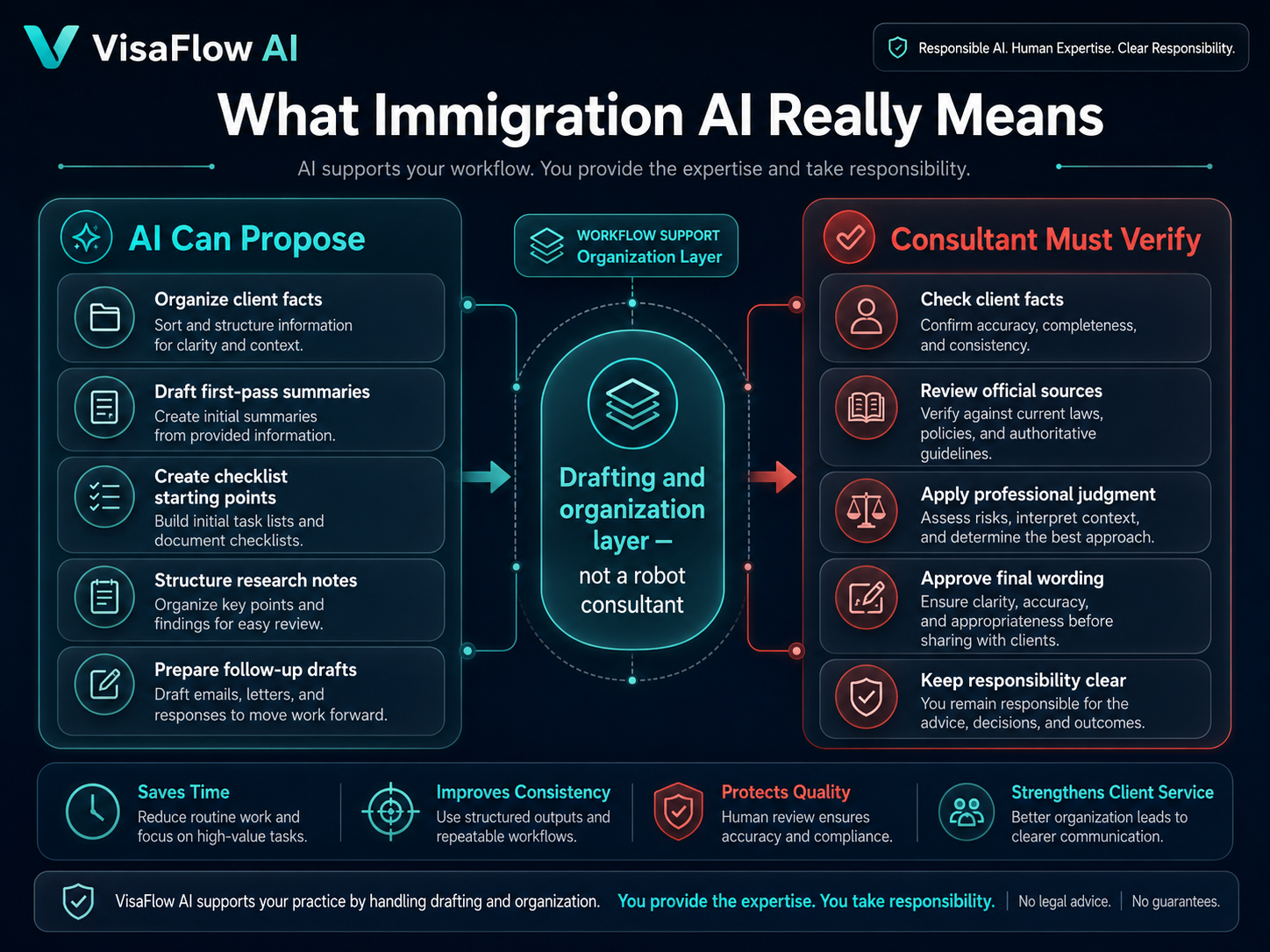
6 Practical Use Cases (and What to Double-Check)
Below are six high-impact use cases for immigration AI that tend to be safe and useful in Canadian consultant workflows—if you build in the right controls.
1) Client intake summaries
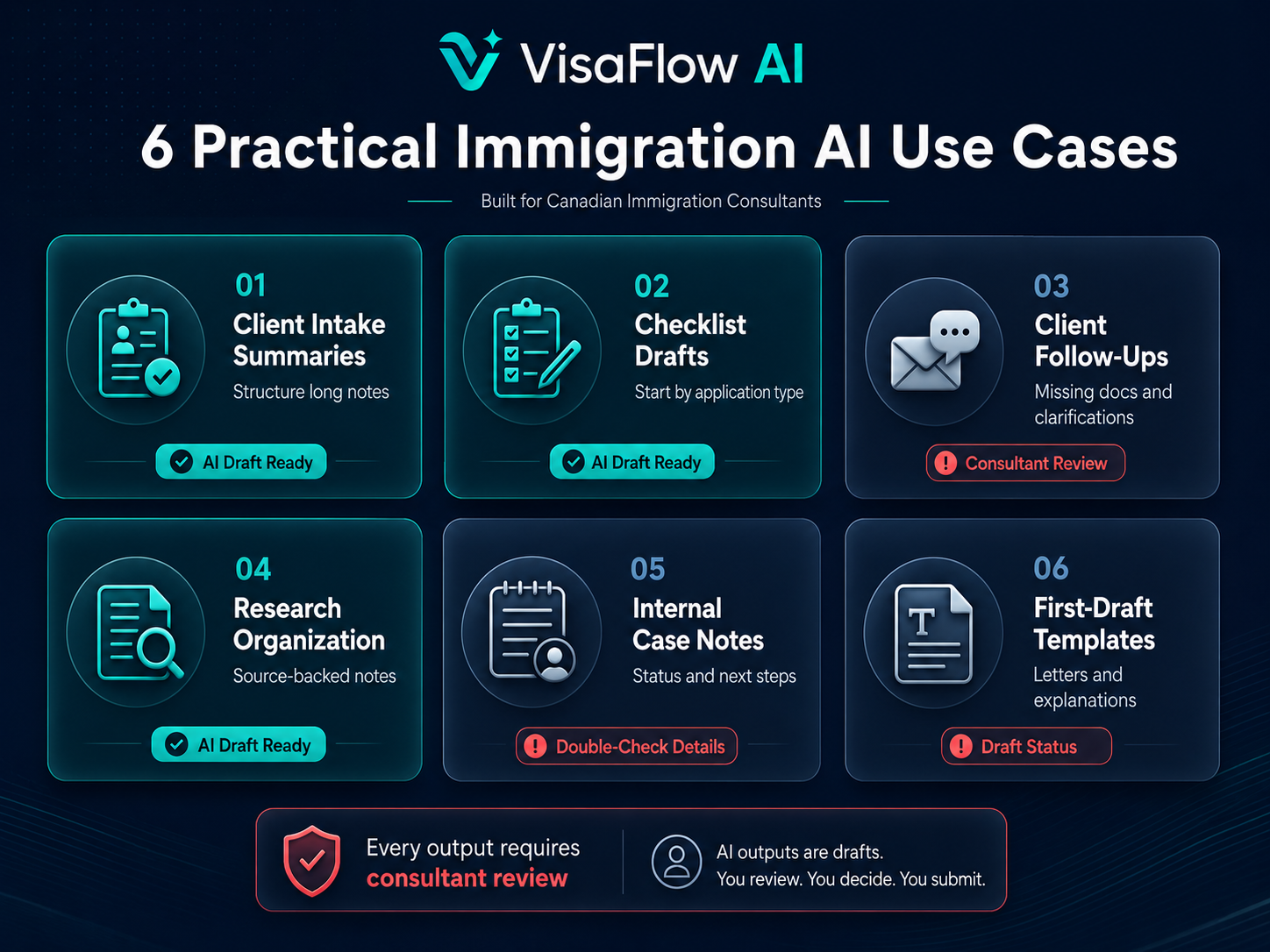
AI can turn long intake notes into a structured summary (timeline, family composition, education, work history, status, and goals). This helps you identify gaps faster and standardize your internal review.
- Double-check: dates, addresses, employer names, and any assumptions that were not stated by the client.
- Tip: keep a “client said” vs “needs confirmation” split so the summary doesn’t look more certain than it is.
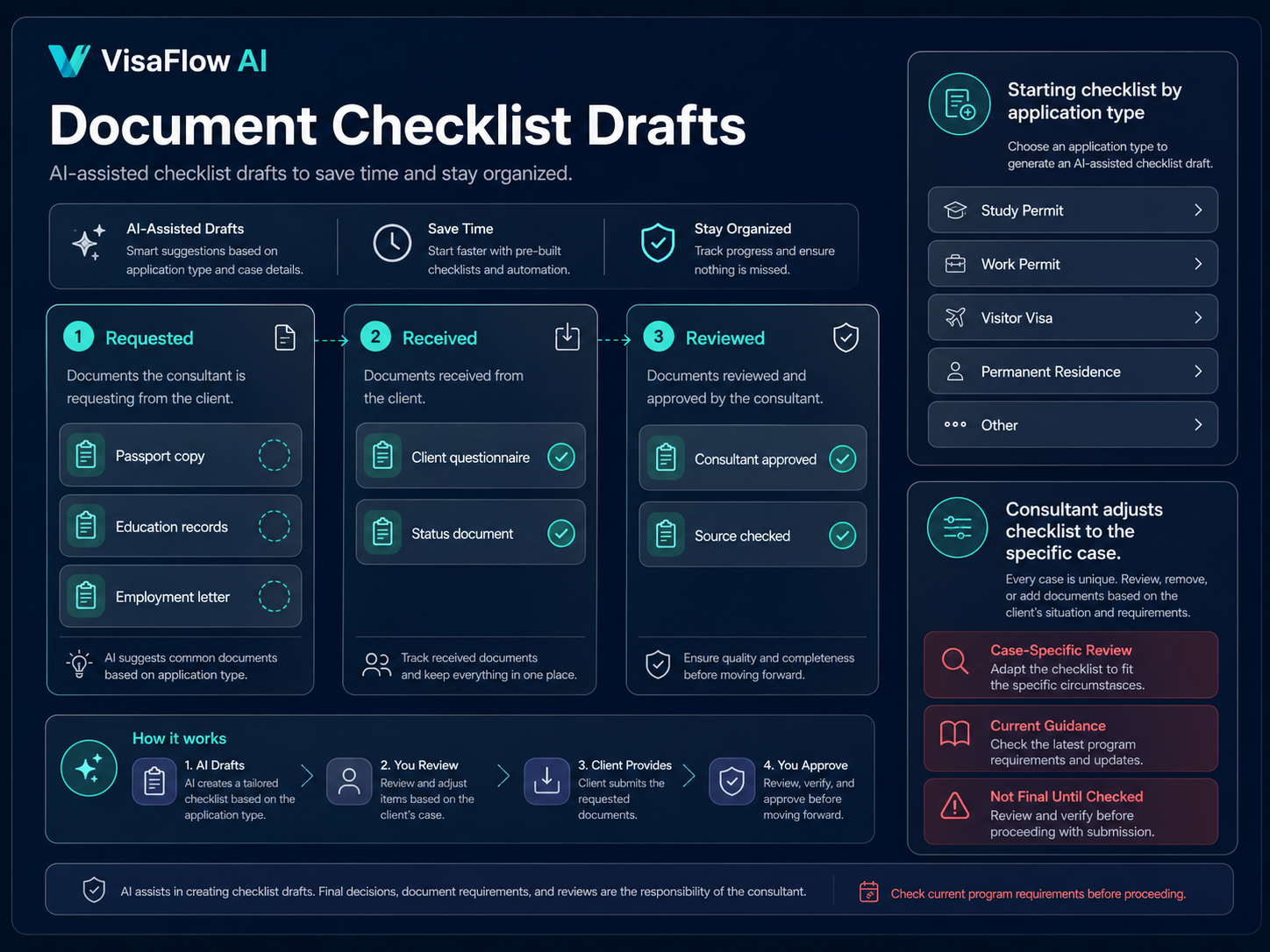
2) Document checklist drafts by application type
AI can generate a first-pass checklist based on the application category and the facts you already have. The point is speed: you start from a structured draft, then adjust based on the case.
- Double-check: that each item is relevant to the specific stream and client context, and that you’re referencing current official guidance.
- Workflow note: if you use a checklist generator, ensure it’s easy to track “requested / received / reviewed” rather than treating a checklist as a one-time list.
If checklists are a major time sink in your practice, see IRCC Document Checklist Generator: How to Build Better Client Checklists.
3) Drafting client follow-ups (missing docs, clarifications)
AI can draft clear, professional follow-ups that ask for missing information and documents in plain language. This helps reduce back-and-forth while keeping your tone consistent.
- Double-check: that the request matches your actual checklist and doesn’t introduce new requirements accidentally.
- Tip: add a “why we need this” line to improve compliance and reduce confusion.
4) Research organization (source-backed notes)
Immigration work depends on accurate, current sources. AI can help you organize your research into a concise brief: what the official guidance says, what you still need to confirm, and which links you relied on.
- Double-check: every material claim against the original source. If the tool can’t show sources, treat the output as a brainstorming draft—not a reference.
- Tip: store the URL and “reviewed on” date in your case notes to support consistent internal QC.
For more research workflow ideas, read How Immigration Consultants Can Save Time on IRCC Research.
5) Internal case notes and status updates
AI can help draft internal notes in a consistent format: what’s been received, what’s pending, what risks were flagged, and what next steps are planned. This can be useful for multi-consultant teams and for reducing “lost context.”
- Double-check: that notes reflect what actually happened in the file (and don’t invent actions or dates).
- Tip: keep a short “consultant decision log” section that clearly shows what was reviewed and approved.
6) First-draft templates (letters, explanations, and internal checklists)
AI is strong at creating first drafts. Used well, it helps you standardize language, reduce typos, and move faster— as long as you keep the review and finalization step explicit.
- Double-check: any statements that could be interpreted as advice, eligibility conclusions, or guarantees.
- Tip: train your workflow on “draft status” rather than “ready to send.”
Where Immigration AI Should Not Be Used
The biggest risk with “AI in immigration” is treating outputs as authoritative. AI should not be used to provide legal advice, make final eligibility assessments, guarantee outcomes, or replace professional judgment. It also should not be treated as a substitute for official sources (for example, IRCC guidance).
If you want a quick overview of safe boundaries, see AI Tools for RCICs: How Immigration Consultants Can Save Time Safely.
A Simple “Verify Before Use” Checklist
Immigration AI Verification Checklist
- Does the draft clearly separate facts from assumptions?
- Are key statements traceable to official sources where relevant?
- Are dates, names, and client-specific details confirmed from documents?
- Is professional review required before anything is sent to a client?
- Are outputs stored as drafts with an audit-friendly workflow?
- Does the tool avoid promising outcomes or replacing judgment?
- Does your process align with your privacy and client-data practices?
How VisaFlow AI Fits Into a Safe Workflow
VisaFlow AI is designed to support consultant productivity: organizing intake information, drafting checklists, structuring research, and preparing client-ready drafts for professional review. It’s built to keep verification explicit and keep decisions in the consultant's hands.
If you want a starting point for reducing repetitive work across your files, read How Immigration Consultants Can Save Time With AI Without Replacing Professional Review.
Want to see how this fits your practice? Contact VisaFlow AI to discuss a workflow that matches your document checklist and client file process.
Frequently Asked Questions
AI can be used for productivity tasks like drafting, summarizing, organizing documents, and structuring research—as long as the consultant verifies outputs and keeps professional judgment and compliance responsibilities central.
No. AI should not replace licensed professional judgment. It can support drafting and organization, but final decisions, client advice, and verification must remain with the consultant.
Treating AI outputs as authoritative. The safest approach is to treat outputs as drafts, verify key claims against official sources, and keep review steps explicit.
Clear draft status, support for verification and source tracking, privacy-conscious handling of client information, and workflows designed for checklists and client files rather than generic chat.
VisaFlow AI supports workflow productivity and information organization. It does not provide legal advice, replace professional judgment, guarantee outcomes, or act as an official source. Users must verify outputs against official guidance and exercise professional judgment.