Where AI Tools Help RCICs Most
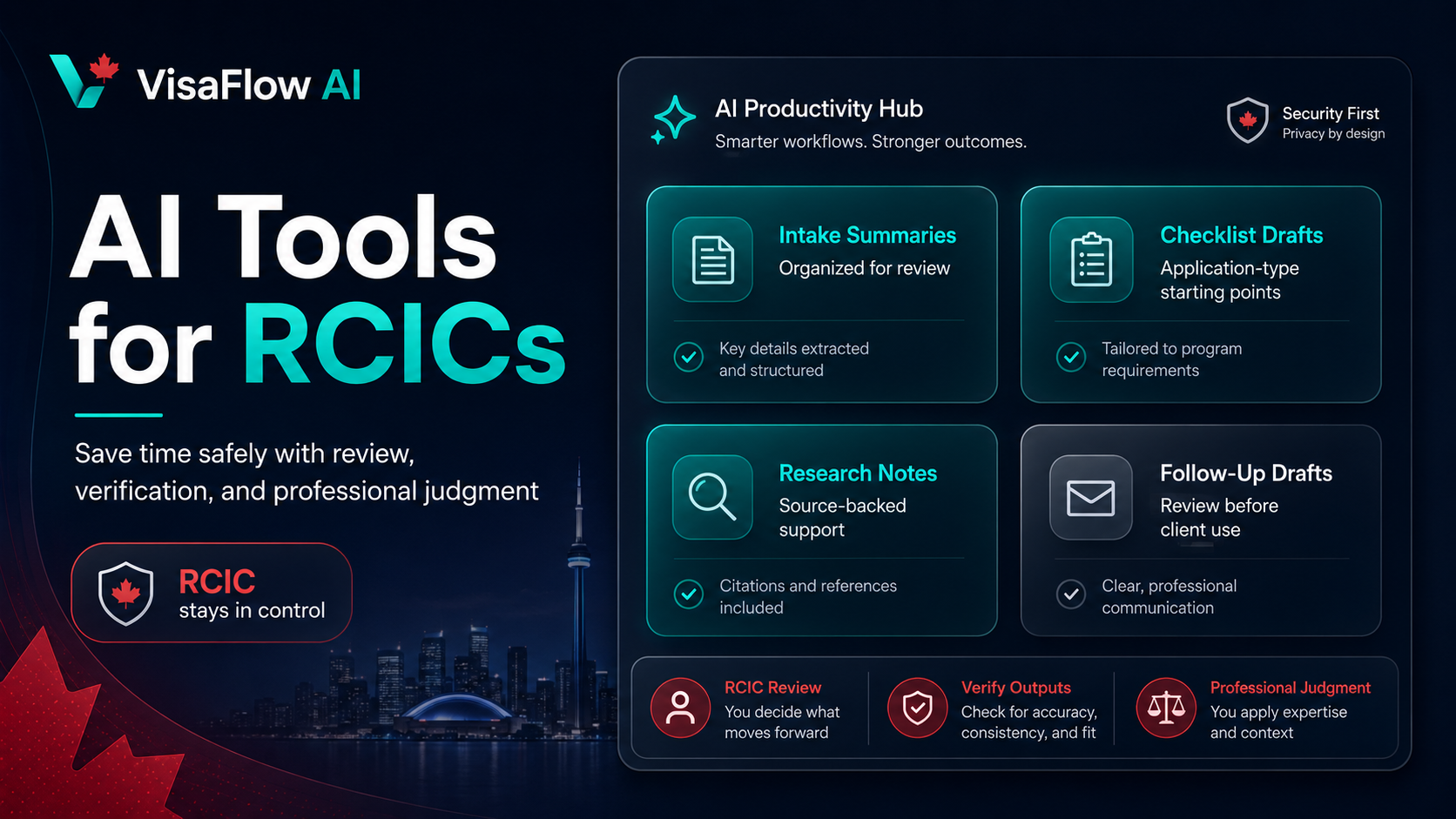
RCIC workflows involve a lot of structured, repeatable work: reviewing intake details, organizing documents, drafting follow-ups, checking requirements, and preparing internal notes. AI can help create first drafts and organize information so consultants spend less time starting from a blank page.
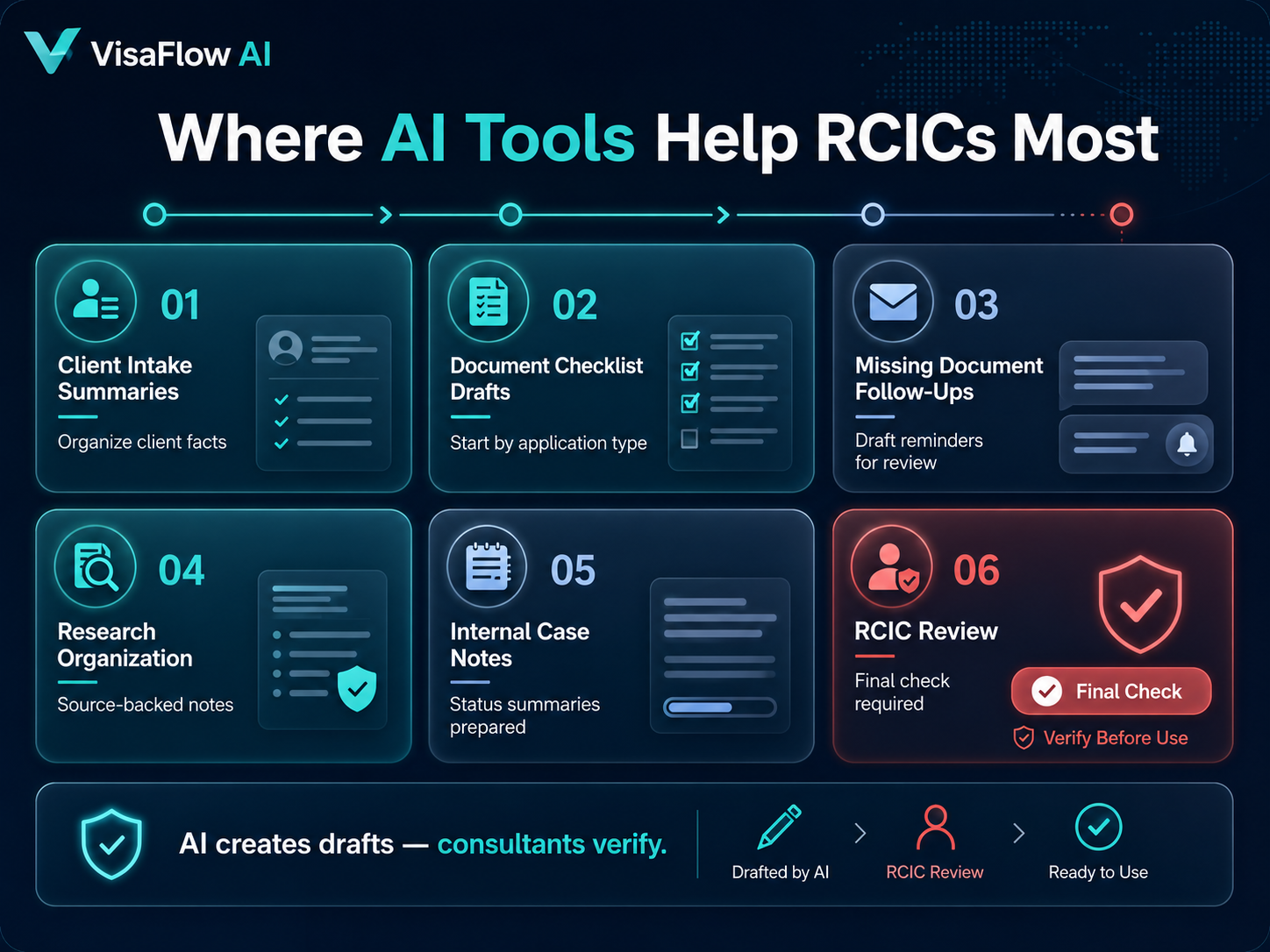
Useful AI-supported tasks include:
- Client intake summaries: organize client-provided facts for review.
- Document checklist drafts: create a starting checklist by application type.
- Missing document follow-ups: draft reminders for consultant review.
- Research organization: structure source-backed notes from official guidance.
- Internal case notes: prepare draft notes and status summaries.
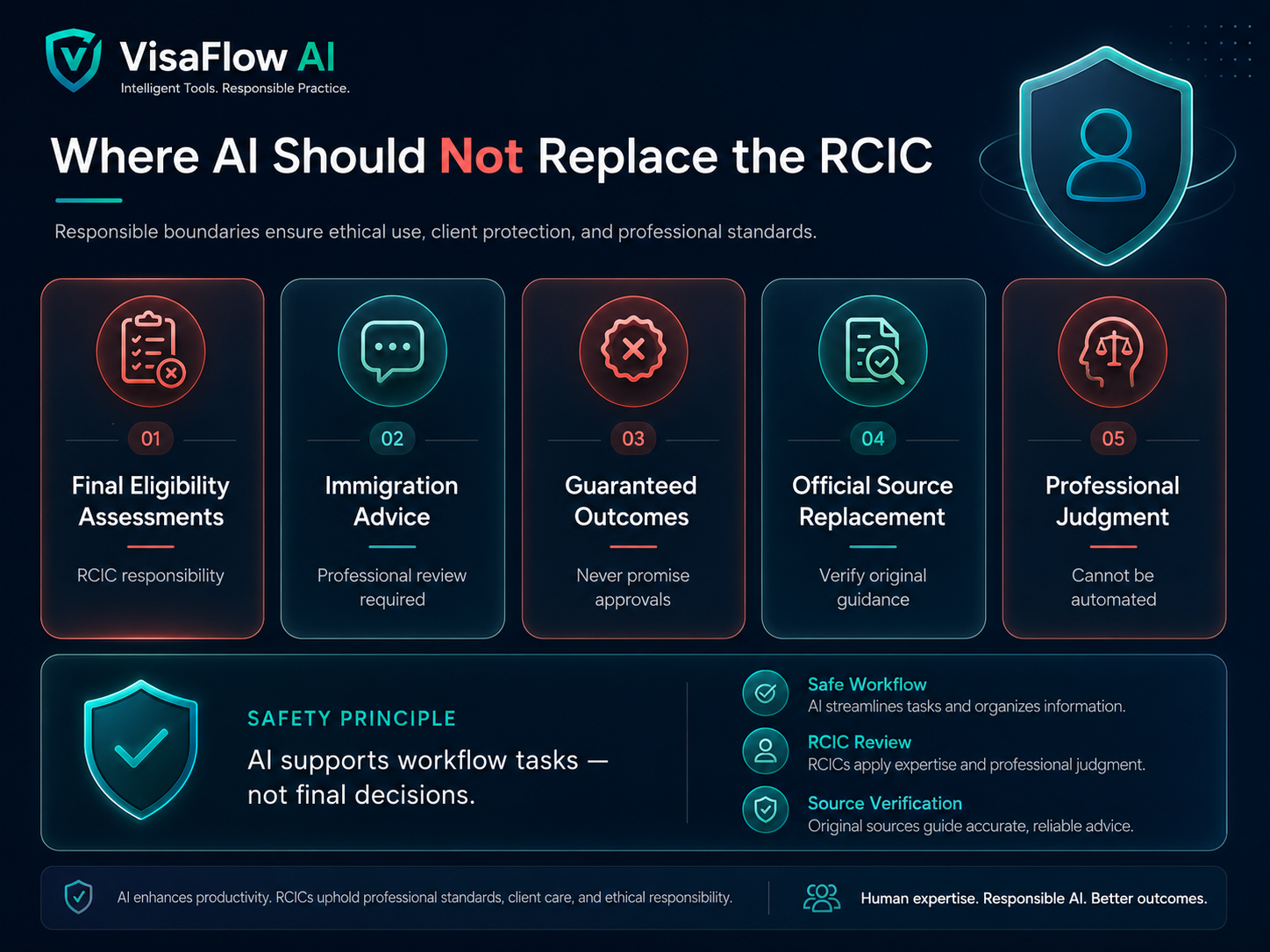
Where AI Should Not Replace the RCIC
Responsible AI use requires clear boundaries. AI should not make final eligibility assessments, provide immigration advice, guarantee outcomes, or be treated as an official source. The RCIC remains responsible for review, verification, client communication, and professional judgment.
Source-Backed AI Matters
Immigration work depends on accurate, current information. AI tools are more useful when they help organize source-backed research rather than producing unsupported answers. A good workflow should make it easy to check the original IRCC source, save the source URL, and record when it was reviewed.
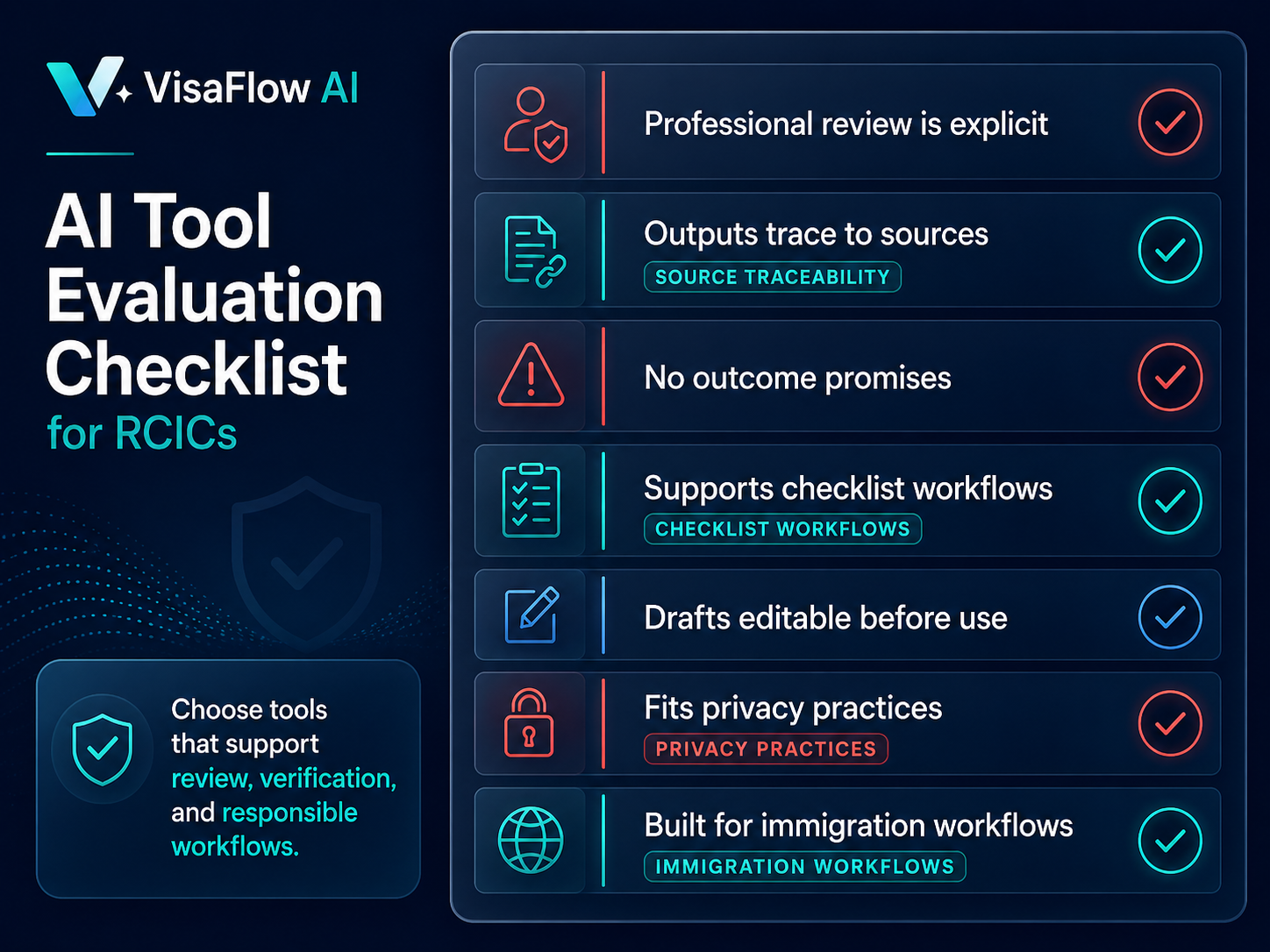
AI Tool Evaluation Checklist for RCICs
- Does the tool make professional review explicit?
- Can outputs be traced back to source material where relevant?
- Does it avoid promising immigration outcomes?
- Does it support document and checklist workflows?
- Can drafts be edited before client use?
- Does it fit your privacy and client-data practices?
- Is it built for immigration workflows rather than generic AI chat?
How VisaFlow AI Supports RCIC Workflows
VisaFlow AI is built to support immigration consultant productivity: client file organization, checklist workflows, follow-up drafting, and research support. It keeps review in the consultant's hands and does not replace professional responsibility.
You can also read How Immigration Consultants Can Save Time With AI for a broader workflow overview.
Frequently Asked Questions
Yes, AI tools can support productivity tasks such as drafting, summarizing, checklist preparation, and research organization, as long as outputs are reviewed and verified by the consultant.
No. AI outputs should not be treated as professional advice. Licensed professionals remain responsible for advice, review, and decisions.
The best tool depends on the workflow. Look for immigration-specific features, professional review controls, source-backed research support, and privacy-conscious handling of client information.
No. VisaFlow AI is independent and is not affiliated with IRCC, CICC, or the Government of Canada.
VisaFlow AI supports workflow productivity and information organization. It does not provide legal advice, replace professional judgment, guarantee outcomes, or act as an official source. Users must verify outputs against official guidance.