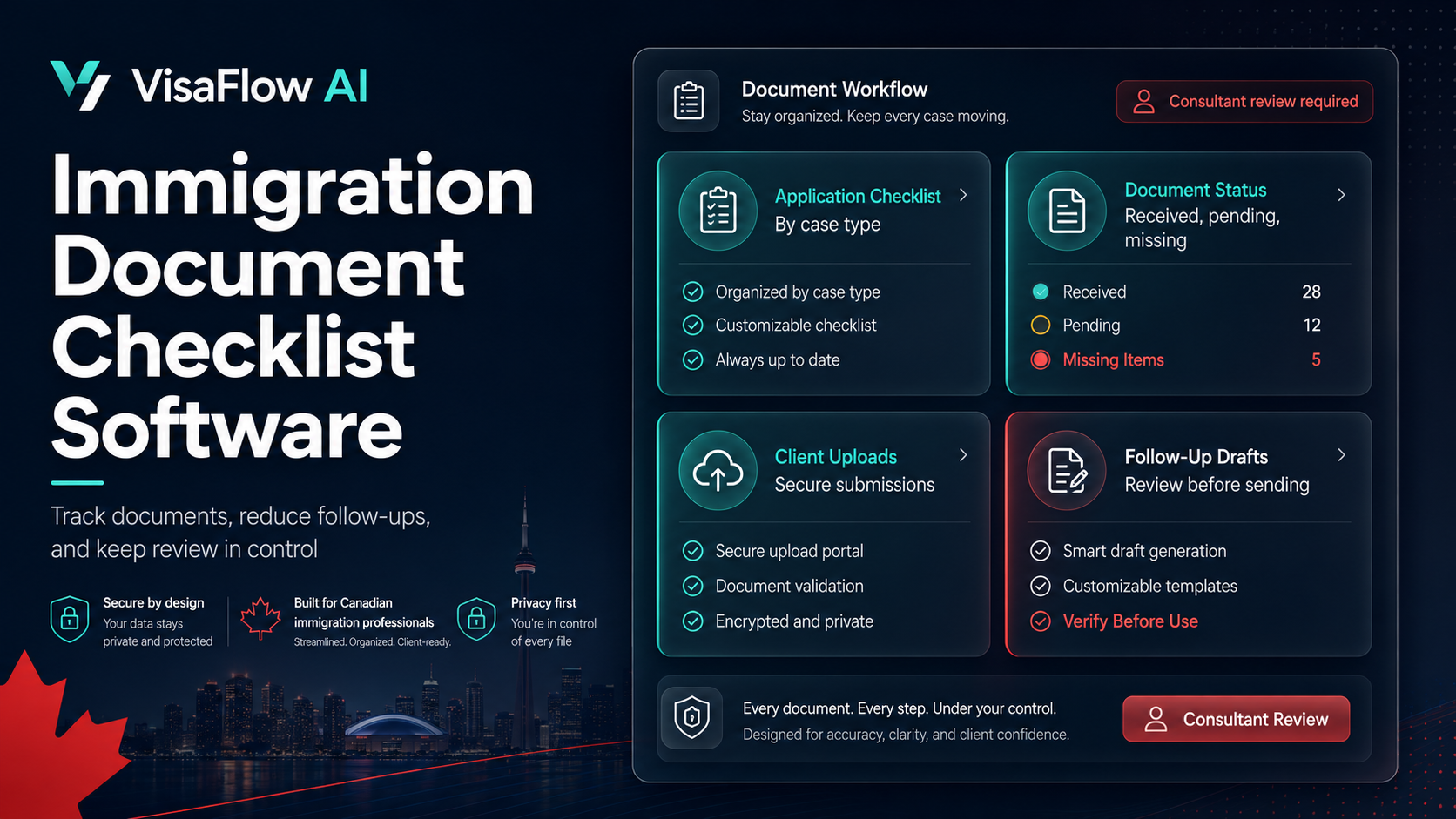
Why Spreadsheets Break in Document-Heavy Immigration Files
Spreadsheets can work for a single person juggling a small number of cases. They typically fail when you have multiple applicants, multiple programs, and multiple submission rounds. The biggest issues are not “data entry” — they’re workflow and risk:
- Version confusion: “final.pdf” becomes “final-final-2.pdf,” and nobody knows what was reviewed.
- Status drift: the sheet says “received,” but the file is missing pages or out of date.
- No audit trail: you can’t easily see who reviewed what, when, and what changed.
- Weak handoffs: tasks move through chat and email instead of a structured review lifecycle.
- Client friction: clients upload in inconsistent ways, then you chase and rename everything.
If you’re comparing software options, start with Immigration Document Management Software: What Matters Most for the higher-level evaluation checklist.
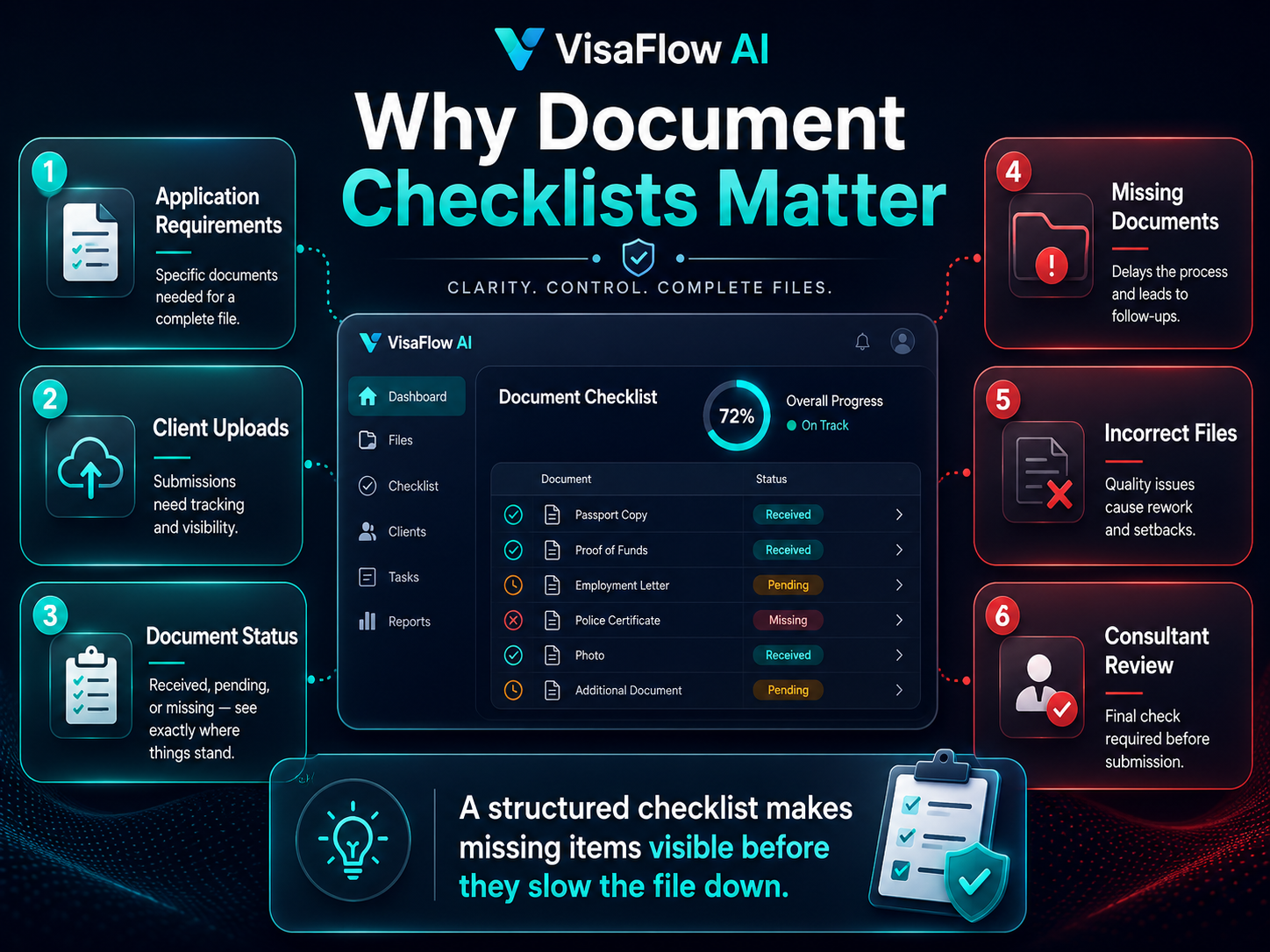
A Spreadsheet-Free Client Document Workflow (5 Stages)
The goal is simple: every required document has a place, a status, an owner, and a review gate before you package a submission.
Document Workflow Stages
- 1) Request: requirements and explanations are shared in plain language (client sees what and why).
- 2) Receive: uploads land in the correct requirement slot with consistent names and formats.
- 3) Review: completeness + consistency checks happen before anything is marked “ready.”
- 4) Resolve: missing items, corrections, translations, and clarifications are tracked to closure.
- 5) Bundle: clean, submission-ready packages are assembled with internal notes and version visibility.
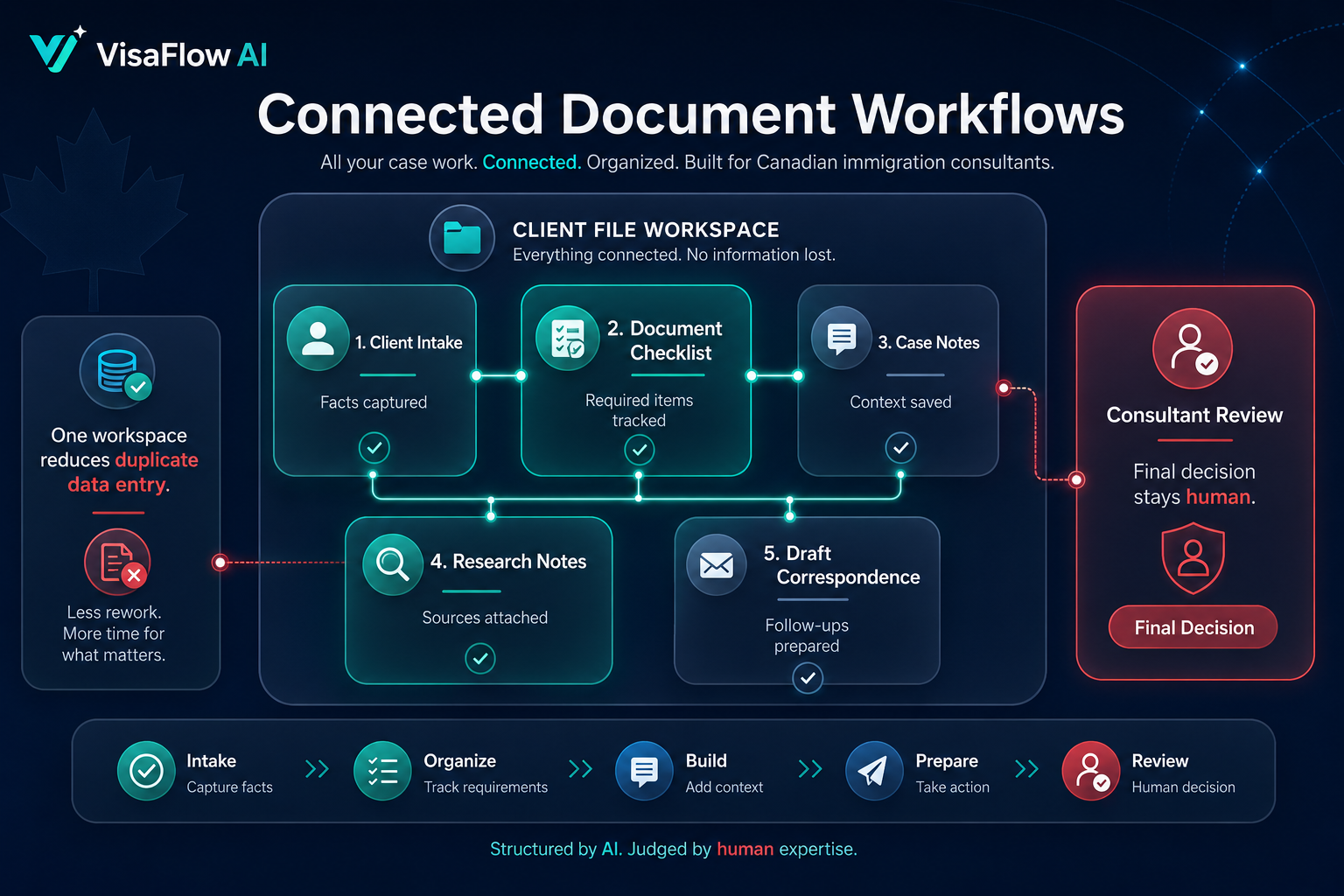
Step 1: Build a Standard Client File Structure (So Every Case Looks Familiar)
Standardization is what replaces spreadsheet columns. When every file follows the same structure, team members can step in mid-case without searching through downloads or emails.
A practical starting point is to structure documents by evidence category and connect each upload to a checklist requirement:
- Identity & status: passports, IDs, birth certificates, marriage/divorce records.
- Travel & immigration history: visas, entry/exit stamps, refusal letters, prior submissions.
- Work history: employment letters, pay stubs, contracts, business records.
- Education: transcripts, diplomas, ECA-related documents (where relevant).
- Financials: bank statements, tax documents, proof of funds.
- Forms & drafts: IRCC forms, internal drafts, client questionnaires (separate from evidence).
- Translations: certified translations and translator affidavits, linked to the source document.
A Naming Convention That Prevents “Final-Final.pdf”
Use a naming pattern that encodes the owner (principal applicant vs dependant), the document type, the coverage period, and the version when it matters.
Example naming pattern
- PA_BankStatement_RBC_2026-03_v1.pdf
- SP_EmploymentLetter_ACME_2023-01-2026-05_signed.pdf
Then attach the file to a requirement checklist instead of letting it float in a folder. This is where many teams shift from “storage” to actual document management.
Step 2: Convert Requirements Into a Checklist Clients Can Understand
A spreadsheet tends to become a private tool for your team. A better approach is a structured checklist that explains what you need, what is acceptable, and common mistakes (e.g., missing pages, wrong time periods).
If you want a checklist-first framework, read Immigration Document Checklist Software: What Consultants Should Look For and IRCC Forms and Document Checklist Guide for Consultants.
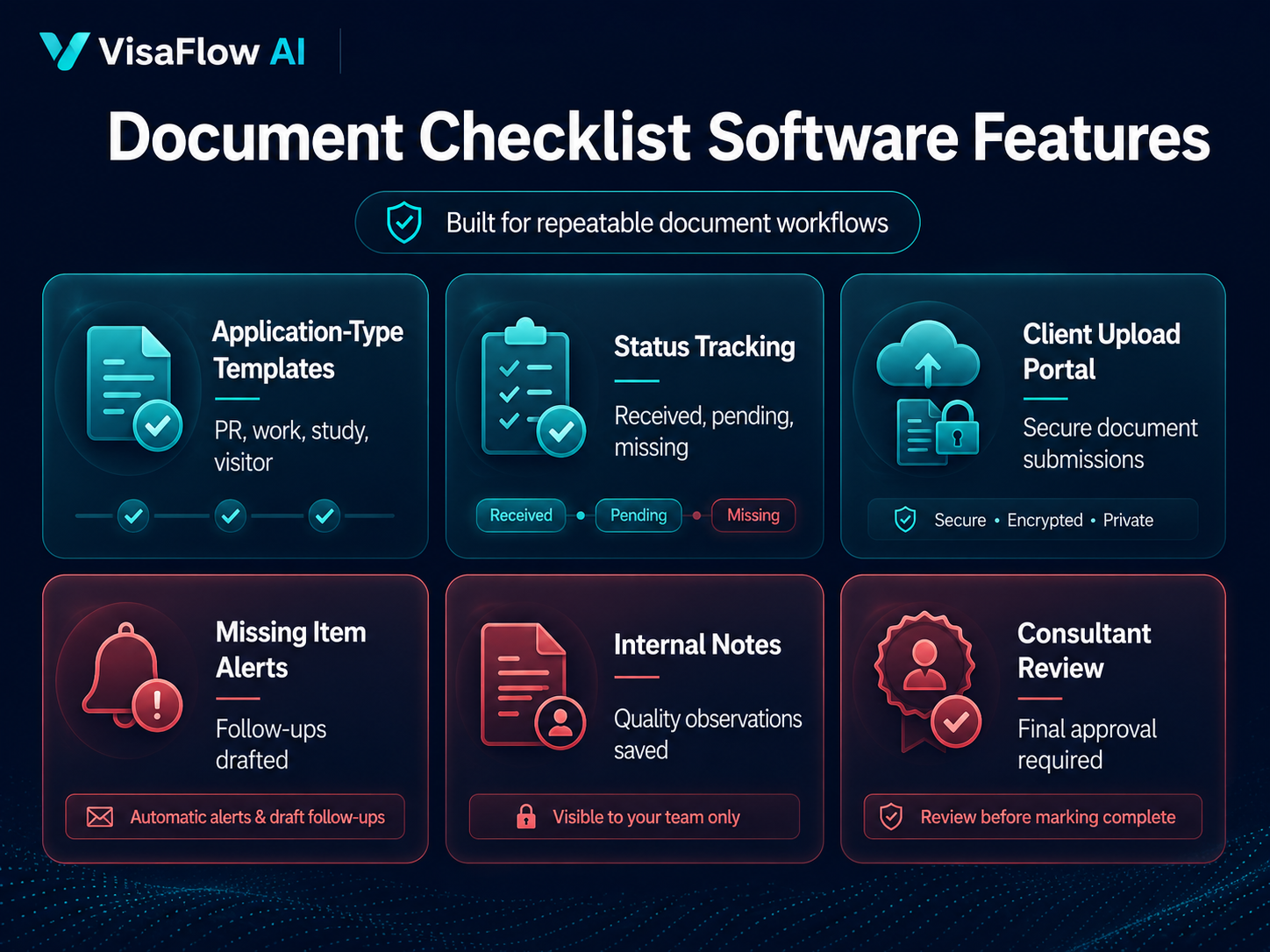
Minimum fields to track per required document
- Requirement name: what the document is (and whose document it is).
- Status: requested → received → needs review → needs revision → ready.
- Owner: who reviews it (RCIC, senior case manager, junior case manager).
- Notes: what to check (coverage dates, names, translations, signatures).
- Due date: when the client should upload (with reminders, not endless follow-ups).
Step 3: Add Review Gates (So “Received” Doesn’t Mean “Ready”)
In immigration work, the risk is rarely “the client didn’t upload anything.” The risk is that a document is incomplete, inconsistent, or not aligned with the strategy — and that nobody catches it until packaging.
Use review gates that match how your firm works:
- Intake check: correct file type, readable scan, all pages included.
- Consistency check: names, dates, addresses, and timelines align across documents.
- Strategy check: evidence supports the facts you plan to present (and doesn’t introduce contradictions).
A simple rule helps: only mark an item ready after a named reviewer signs off. Your spreadsheet can’t reliably enforce that; your workflow system should.
Step 4: Track Exceptions, Not Just Missing Items
Spreadsheets focus on “missing vs received.” Real files also require exception tracking: clarifications, refusal explanations, affidavit needs, translations, and “this document cannot be obtained” situations. Treat these as checklist items with their own statuses and owners.
Common exception items
- Translation required + translator affidavit attached.
- Missing document explanation drafted and approved.
- Timeline discrepancy flagged + resolved with client clarification.
- Outdated document replaced (e.g., older statements superseded).
- Internal review note: what to double-check before submission.
Step 5: Bundle Like a Production Process (Not a Last-Minute Scramble)
Bundling is where spreadsheet workflows usually collapse. You want your system to answer three questions at any time:
- What’s ready? (reviewed, complete, and correct)
- What’s blocked? (waiting on client, translation, or clarification)
- What changed? (new version uploaded since review)
A document workflow tool can support a bundling view (group by category, export lists, build a clean package), while your team keeps professional judgment central.
Where VisaFlow AI Fits (and What Still Requires Professional Review)
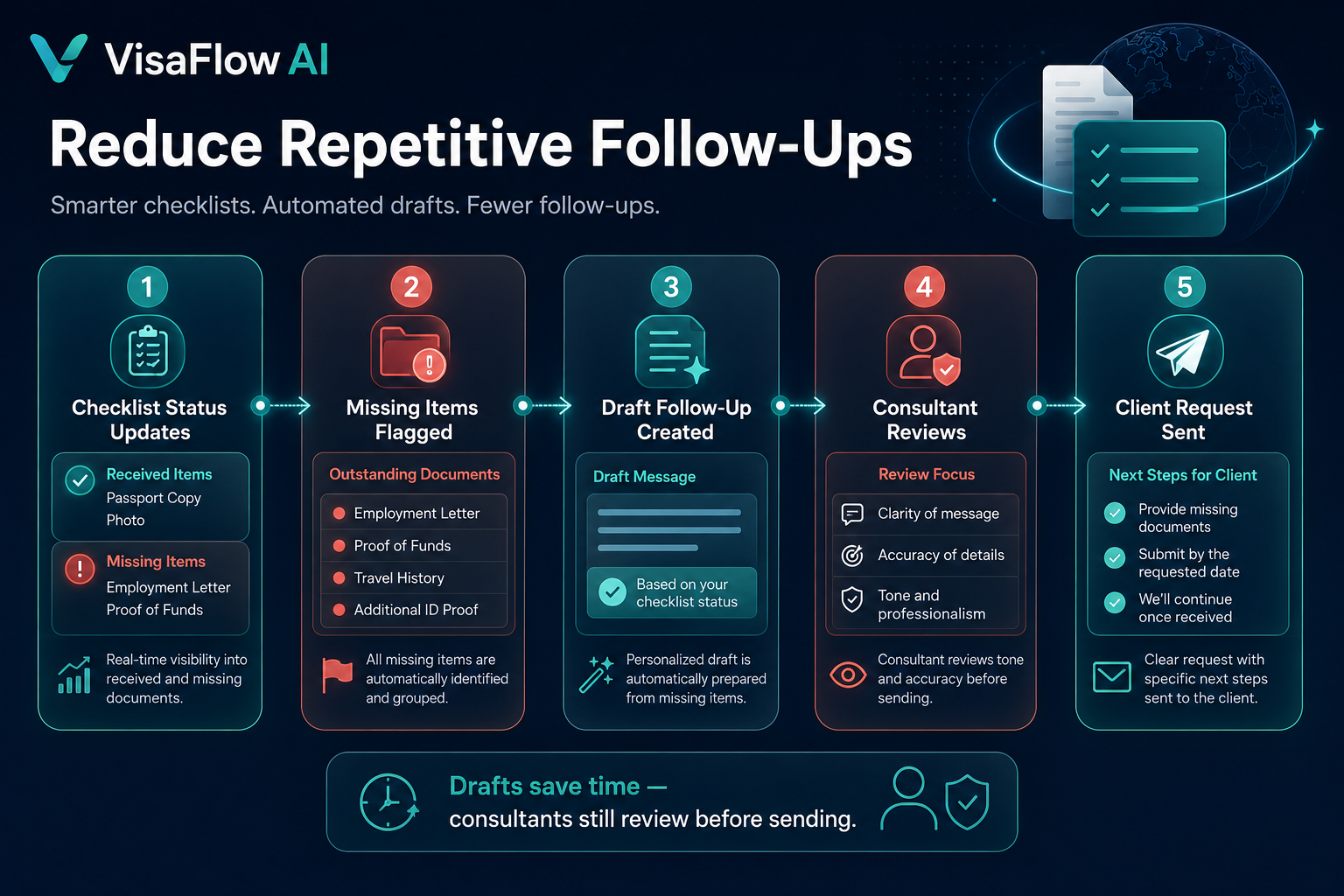
Tools like VisaFlow AI are designed to support workflow productivity: organizing client files, building checklist workflows, drafting follow-up messages, and keeping research notes connected to tasks. The goal is to reduce repetitive admin work, not replace RCIC responsibility.
If you’re exploring systems for your practice, review Pricing and consider booking a short workflow review via Contact.
Frequently Asked Questions
Use a checklist-linked workflow system that supports document uploads, statuses, assigned reviewers, and a clear review lifecycle (requested → received → needs review → ready). The key is connecting each file to a requirement and enforcing review gates.
Use consistent naming conventions, store uploads in requirement slots (not generic folders), and require a named reviewer before an item is marked ready. If a new version is uploaded after review, the status should revert to needs review.
Email can work early on, but it’s easy to lose context and versions. A structured upload flow tied to a checklist reduces missing items, prevents duplicates, and gives your team a single source of truth for what’s been received and reviewed.
Not exactly. Case management covers broader tasks such as deadlines, communications, and matter tracking. Document management focuses on receiving, reviewing, tracking, and packaging evidence. In practice, you want them to work together so documents don’t become a disconnected system.
No. VisaFlow AI is independent and is not affiliated with IRCC, CICC, or the Government of Canada.
VisaFlow AI supports workflow productivity and information organization. It does not provide legal advice, replace professional judgment, guarantee outcomes, or act as an official source. Users must verify outputs against official guidance and exercise professional responsibility.