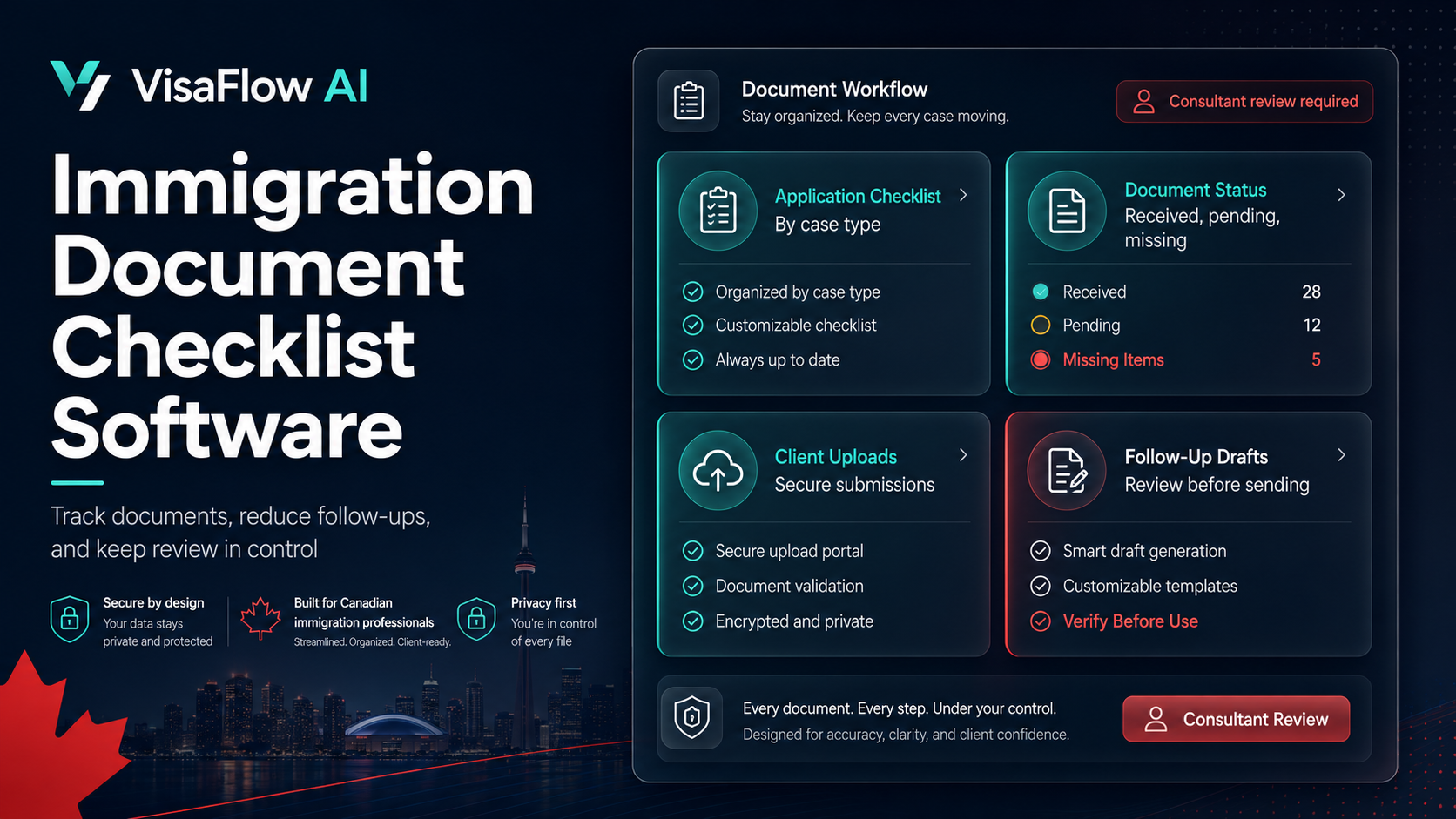
Why Document Checklists Matter for Immigration Consultants
Every immigration application requires a specific set of supporting documents. Missing or incorrect documents are one of the most common reasons for processing delays and client frustration. Canadian immigration consultants often spend hours managing document requests, tracking received items, and following up on missing uploads.
Document checklist software helps immigration teams organize this process by creating structured lists tied to specific application types, tracking what has been received, and flagging what is still missing.
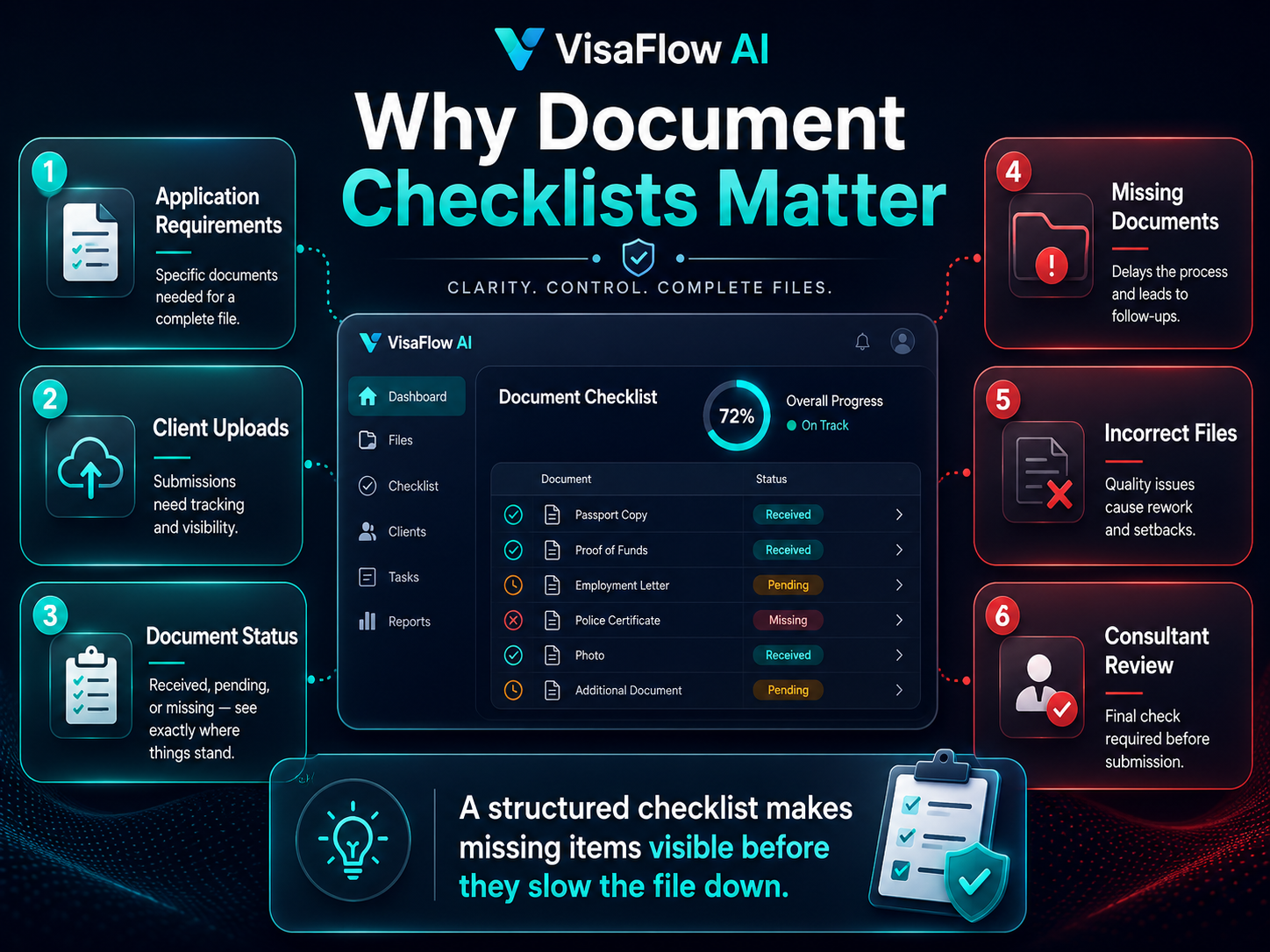
Key Features to Look For
When evaluating document checklist software for immigration work, consider:
- Application-type templates: Pre-built or customizable checklists for PR, work permits, study permits, and visitor visas.
- Status tracking: Clear indicators of received, pending, and missing items.
- Client upload portal: A secure way for clients to submit documents directly.
- Missing item alerts: Automatic flags and draft follow-up messages for consultant review.
- Internal notes: Space for consultants to record observations about document quality or completeness.
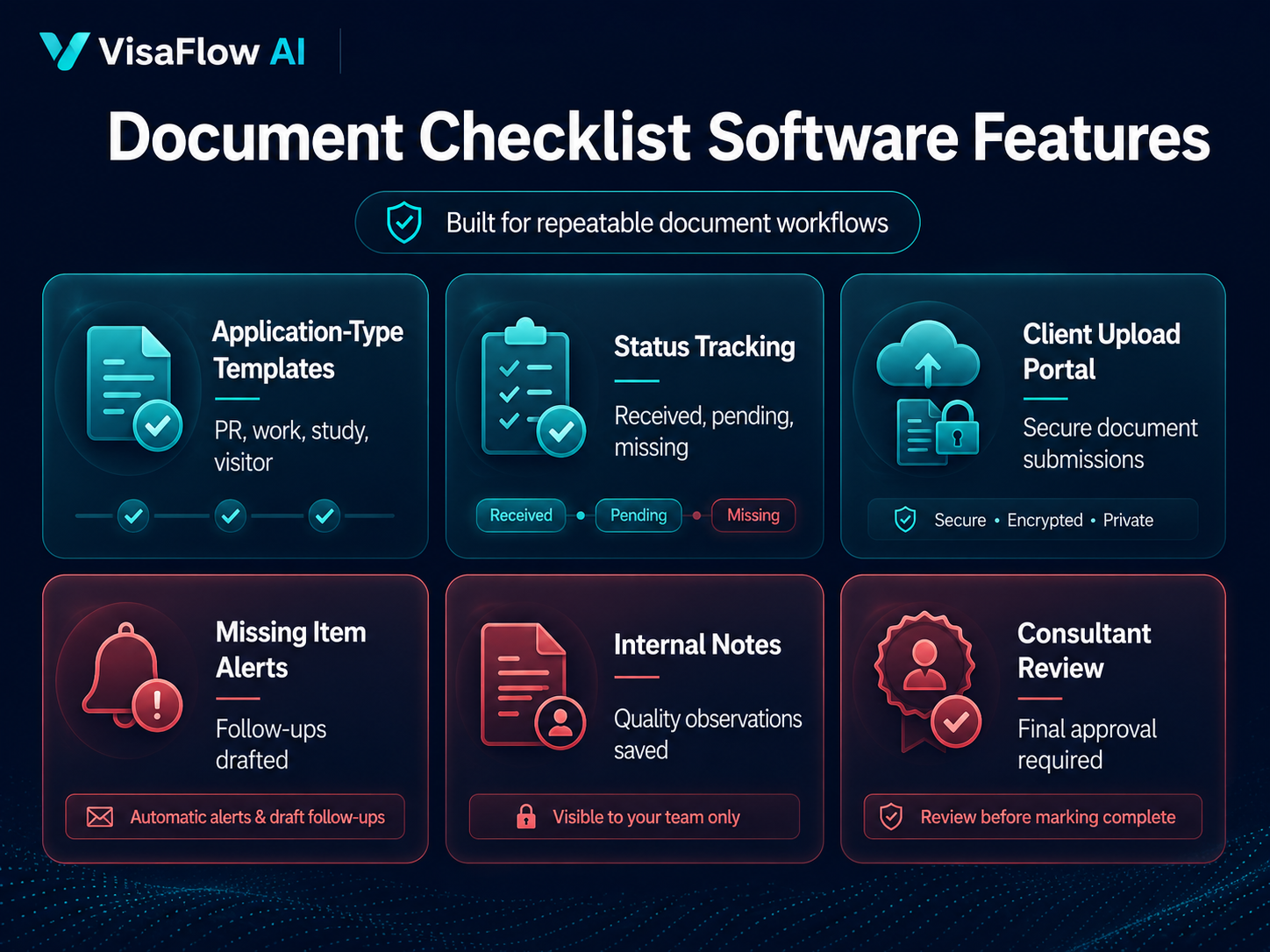
Reducing Repetitive Client Follow-Ups
One of the biggest time drains in immigration work is manual follow-up on missing documents. A good document checklist tool should help you generate draft follow-up messages from the checklist status, so you can review and send instead of writing from scratch each time.
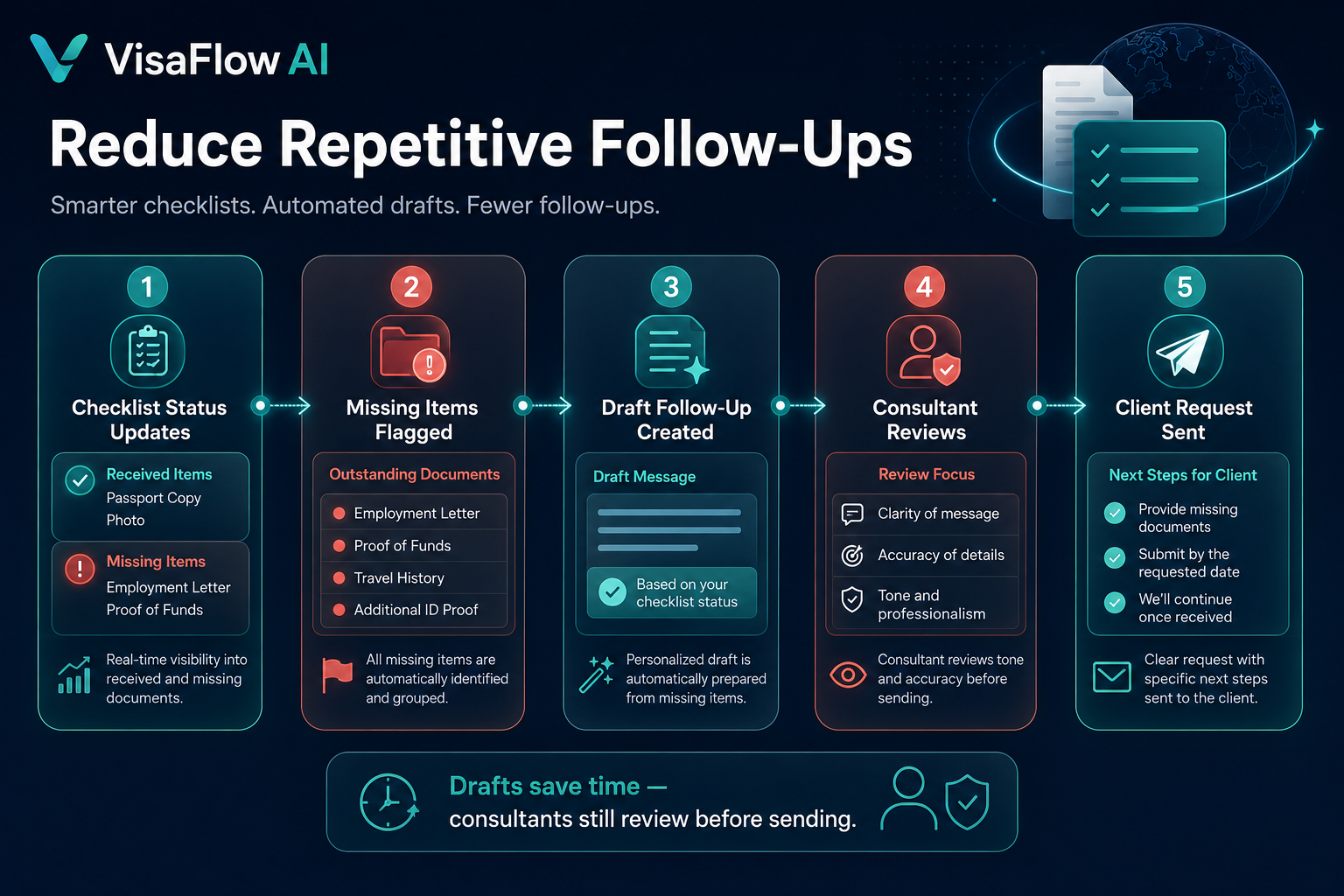
Integration with Case Workflows
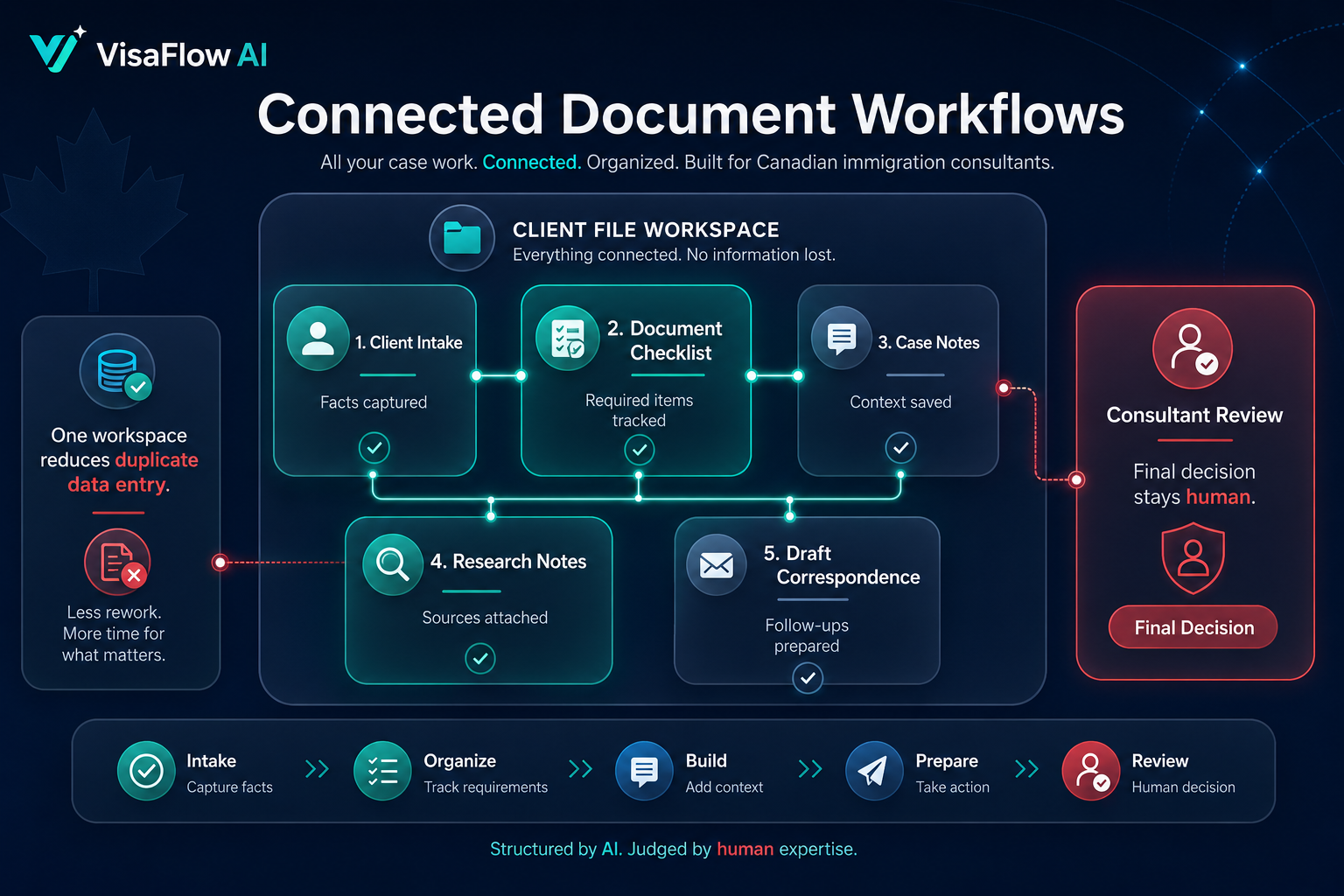
Document checklists work best when they are part of a broader workflow that includes intake, research, drafting, and review. Standalone checklist tools can create additional data entry work. Look for software that connects checklists to the client file, case notes, and draft correspondence in one workspace.
How VisaFlow AI Supports Document Workflows
VisaFlow AI helps immigration teams generate missing-document checklists from intake answers, track received items, and draft client follow-ups for consultant review. Document status stays connected to the case file alongside research notes, drafts, and signatures.
See also: IRCC Document Checklist Generator for more on building better client checklists.
Frequently Asked Questions
It is a tool that helps immigration teams create, track, and manage document requirements for each application type, reducing manual follow-up work.
Many tools offer a secure client upload portal. VisaFlow AI includes client intake and document upload as part of the workflow.
No. VisaFlow AI helps organize document workflows and draft follow-ups, but consultants remain responsible for reviewing documents and deciding what is complete.
VisaFlow AI supports workflow productivity and information organization. It does not provide legal advice, replace professional judgment, guarantee outcomes, or act as an official source. Users must verify outputs against official guidance.